
AI Influencer Generator
Design a character, refine their look and find their next scene.
Fancy Cafe AI
Chipmunks Dance
Closing Door Prank
Damon Salvatore AI
End of Watch AI
Birds of a Feather AI
Tiny Desk AI
Talk Dirty Dance AI
Thriller AI
A character sheet for your next idea
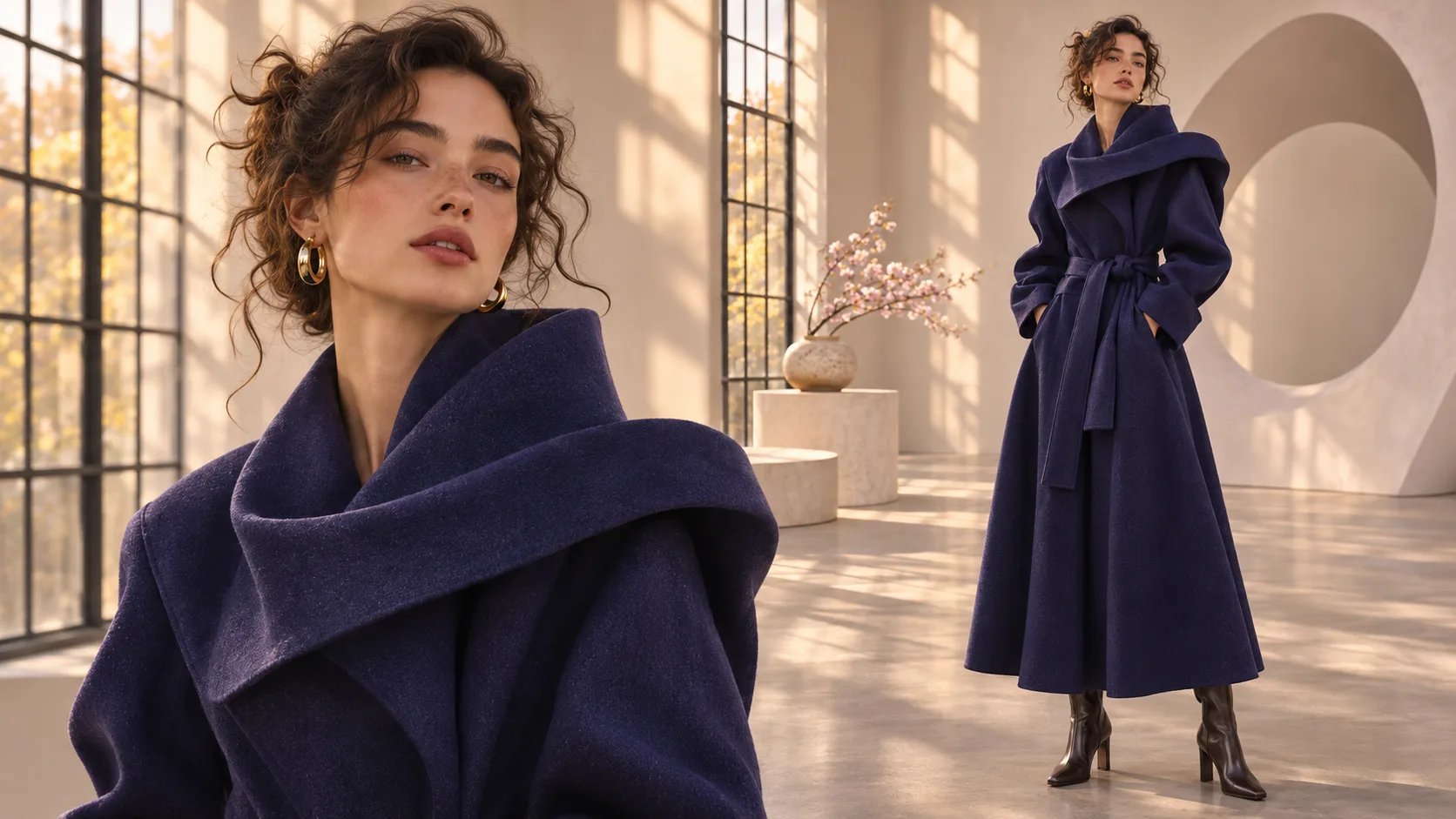
Explore a character design with a close-up portrait and a matching full-body view. A character sheet helps you consider the face, clothing and overall look together before planning a scene.
From character idea to video
Create a character and explore a scene in three steps.
- Start with a photo Optional
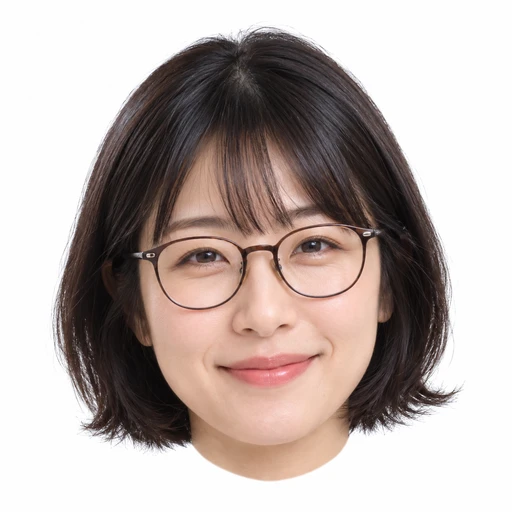 Average
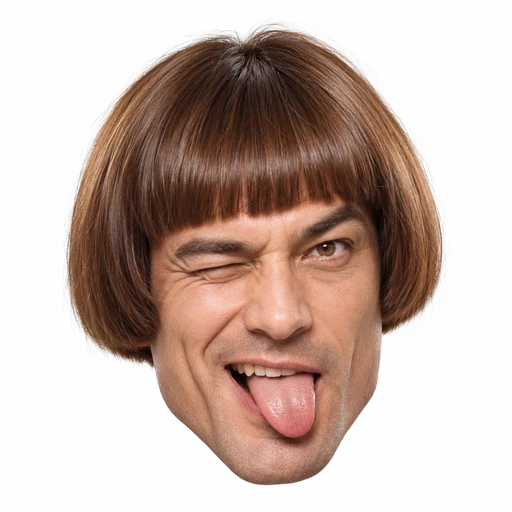 Bold
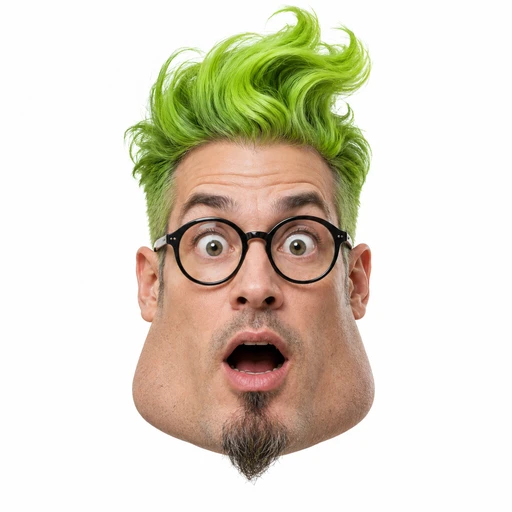 Extreme
STEP 1
Choose a character
Select a type and appearance options, or add an optional photo you have permission to use.
- Video trends
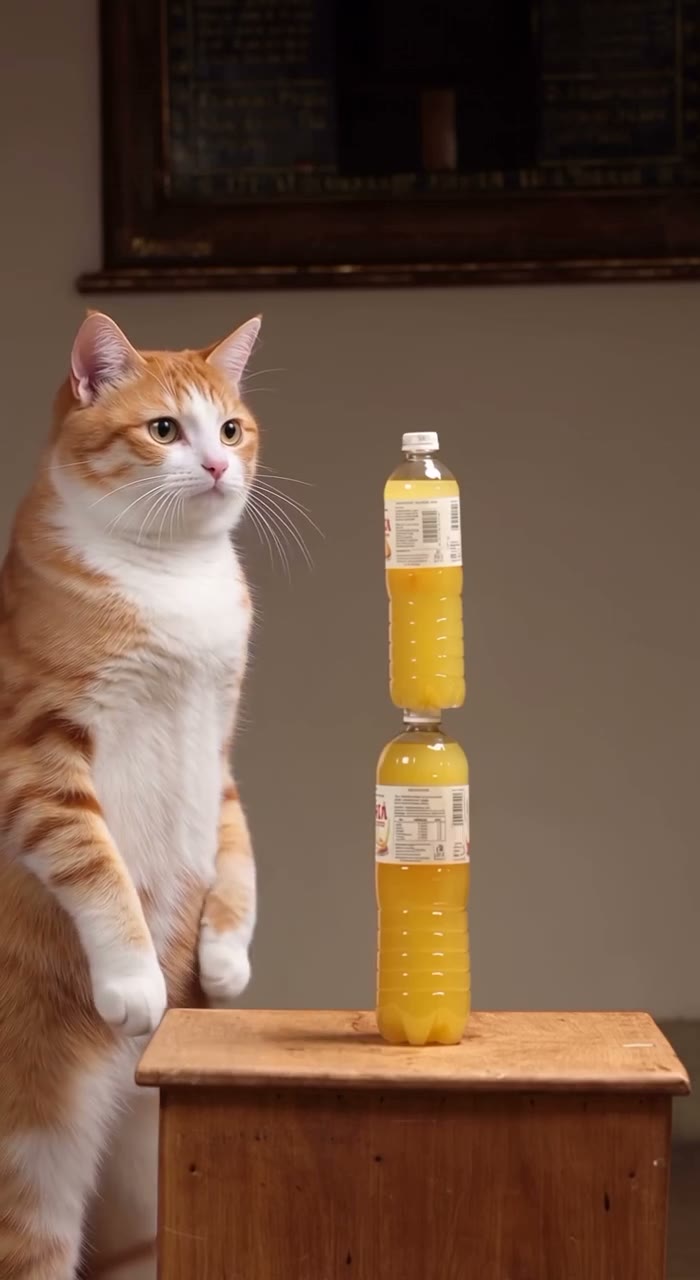 Bottle Kick AI
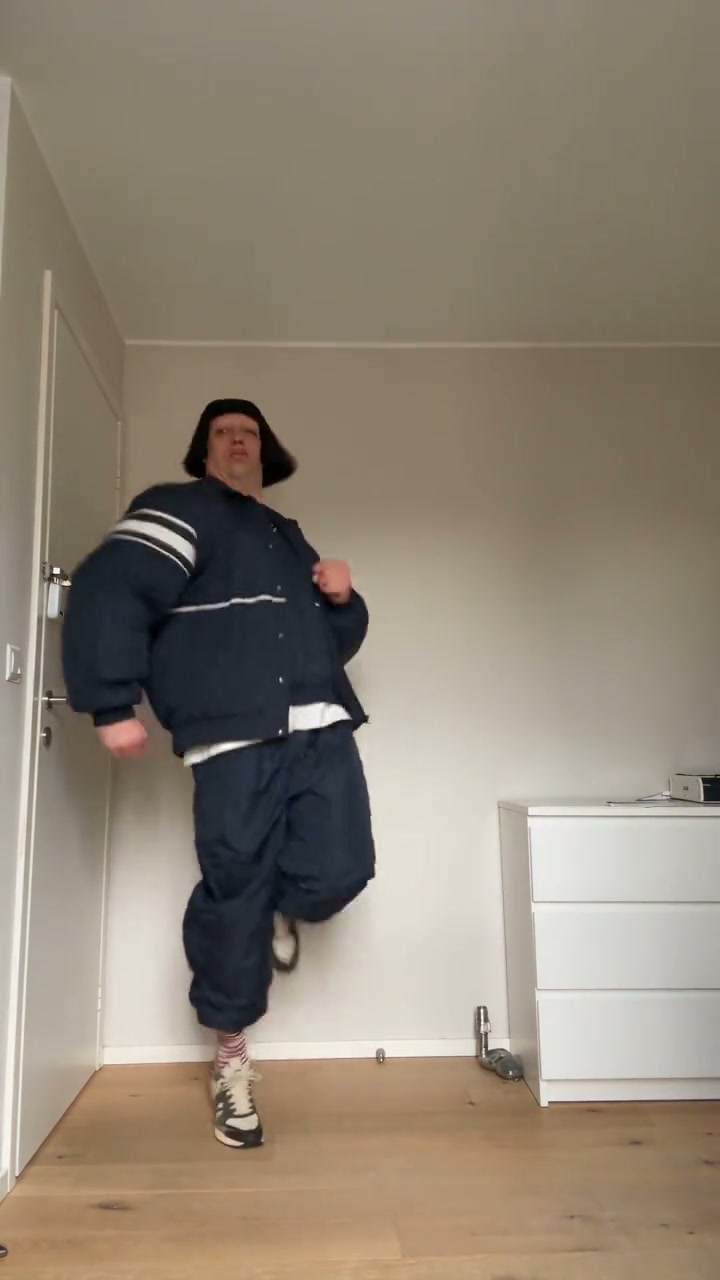 Jean Phil Dance AI
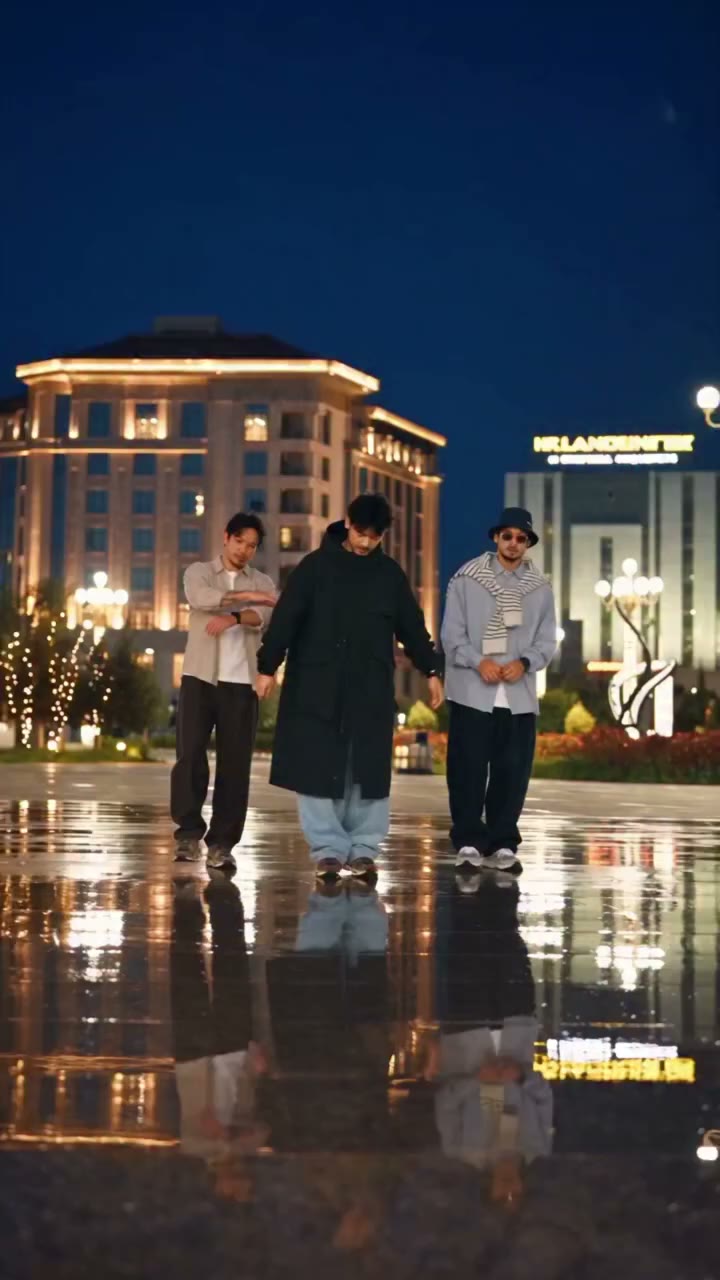 Trio Shuffle AI
STEP 2
Preview an effect
Browse the video trends tab and inspect the role requirements for a scene.
- Review the setup
STEP 3
Review the setup
Return to the workspace and review the inputs. Generate the character or video once you are ready.
Design a look. Explore a scene.
See how a character idea can become a starting point for a video.
Choose a look with personality
Start with a character type and explore hair, build, clothing and other appearance options. A photo of yourself or a consenting adult can be added as an optional reference.
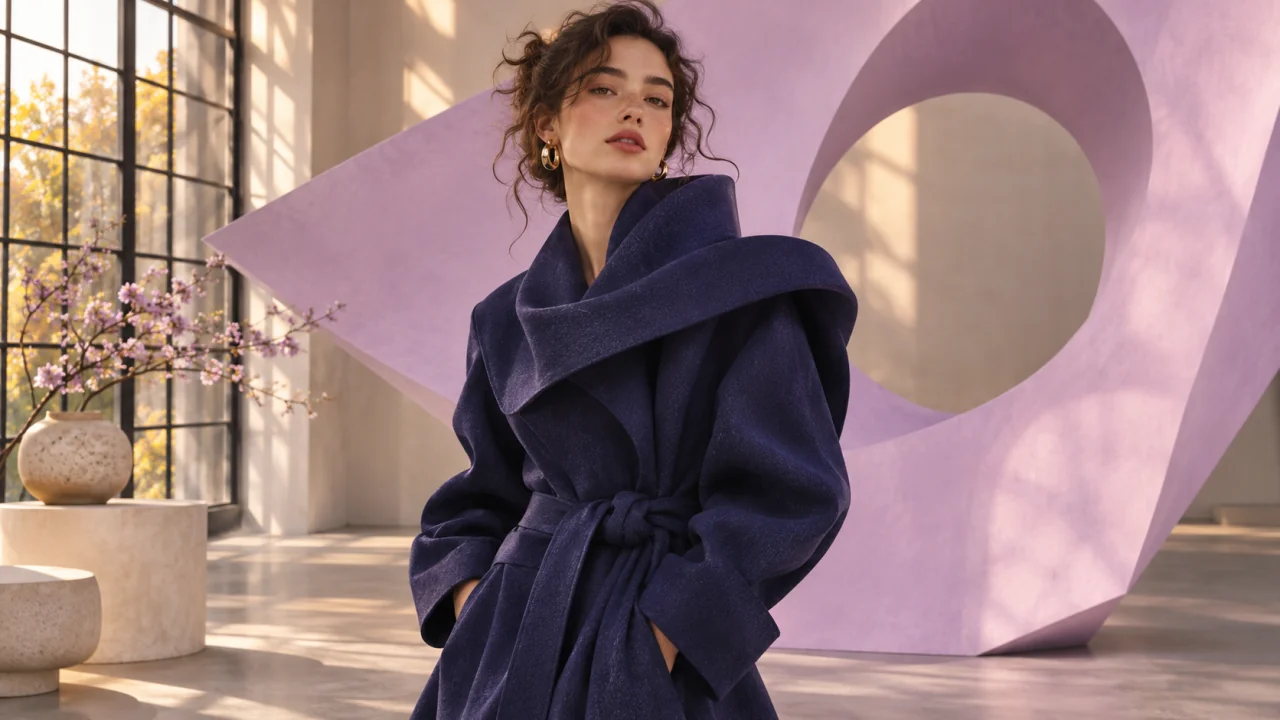
Find a scene for the character
Browse dance, pet, action and performance effects. Preview a scene and check its photo roles before deciding whether it fits your character.
AI character remixes
Bottle Kick AI
Jean Phil Dance AI
Trio Shuffle AI
Explore another outfit
The wardrobe illustration shows how one character might be styled in different looks. Actual results depend on the image, instructions and model.
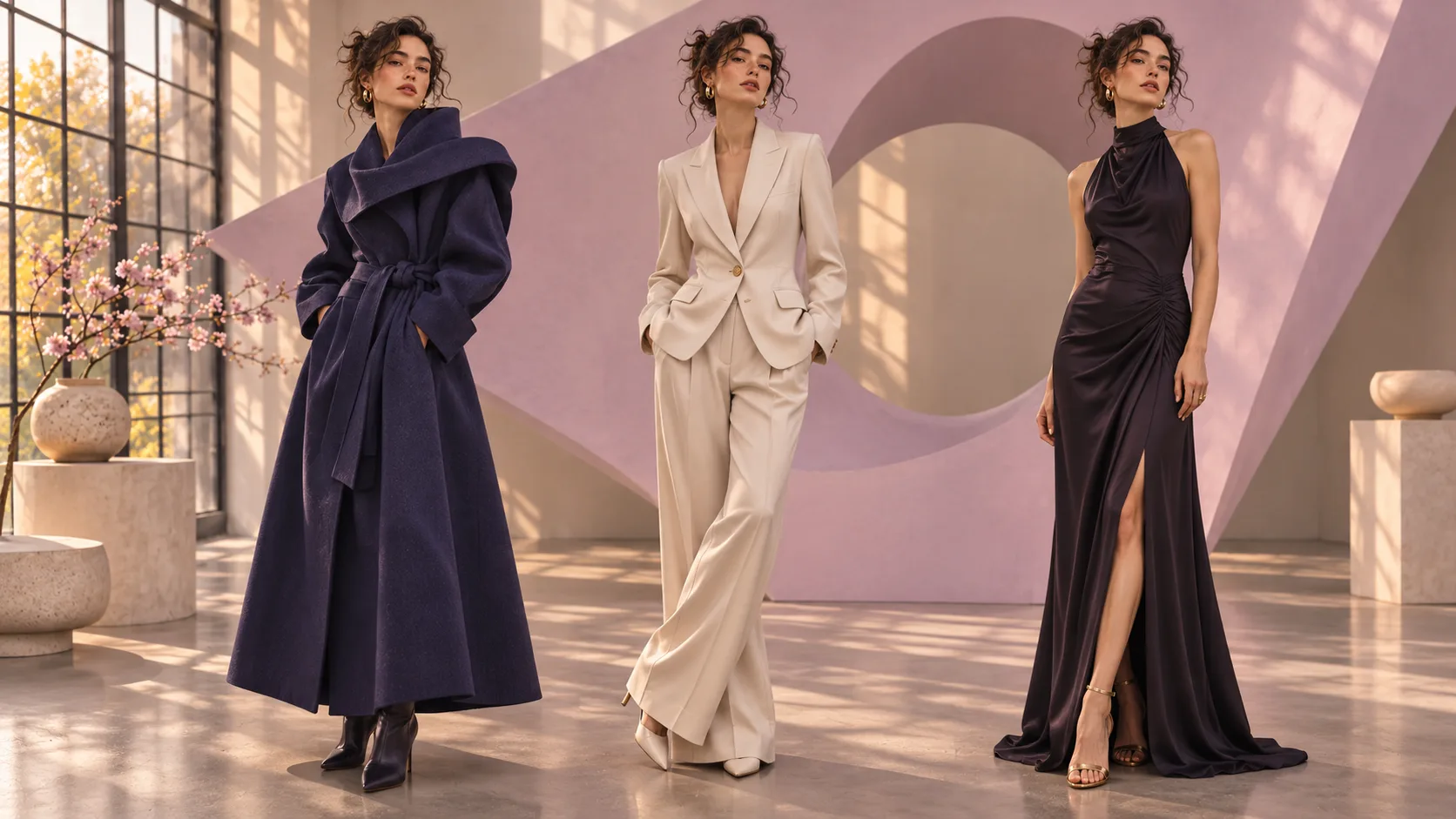
Keep the next step in view
Keep your character ideas together in your account and explore an effect when you are ready to plan the next scene.
AI Influencer questions
Character references, effects and generation.
Do I need a photo to explore a character?
No. You can choose a character type and appearance options without adding a photo. A reference photo is optional.
Can I add my own face?
The optional photo input is for yourself or an adult who has agreed to appear. Only use images you have permission to use.
What does the character workspace prepare?
The workspace is designed around a 16:9 character sheet with a portrait and a full-body view. The images on this page illustrate a possible visual direction; generated results can vary.
Can I use the character in an effect?
Browse effects and check their photo roles. Choose a suitable character image as a reference for the role you want to create.
Can I generate or buy credits today?
Sign in, choose your inputs and check the credit estimate before generating.
Explore AI Influencer Generator
Return to the workspace to prepare your next idea. Sign in, choose your inputs and check the credit estimate before generating.