
01
Dance with a friend
Explore duet routines and check how the two performers share the frame before choosing their photos.
Choose a dance, preview the choreography and prepare photos for each performer.
Creations from this workspace appear here.
An AI dance video generator brings a photo together with the movement in a dance reference. On ReelCraze, you can browse prepared routines, watch how the dancers move and check which photos each scene needs. The reference provides the choreography and framing; the photos identify the people you want to cast.
Start with a routine, then match your photos to its performers.
STEP 1
Browse the dance effects and preview a routine. Look at the number of dancers, their movements and the camera angle.
STEP 2
Check the required and optional roles. Choose a clear photo for each performer, showing the face and the parts of the body visible in the routine.
STEP 3
Match each photo to its role and review the selected dance and available settings in the workspace.
The right routine depends on who is dancing and how you want the scene to look.
01
Explore duet routines and check how the two performers share the frame before choosing their photos.
02
Group dances have different positions and photo slots. Preview the routine to see which role fits each person.
03
Browse pet-friendly effects for playful scenes, and check whether the action calls for a close-up or a full-body photo.
Different routines call for different casts. Preview the choreography and camera framing, then choose a dance that suits the people in your photos.
01
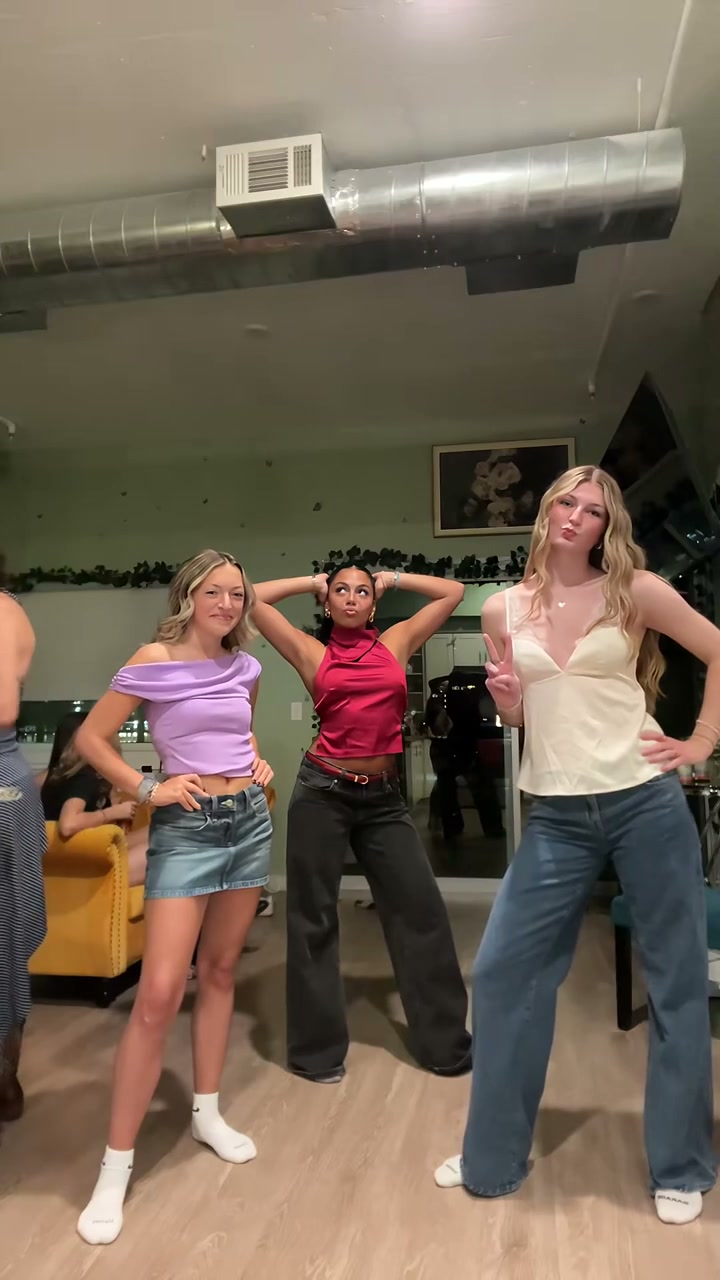
The Chipmunks Dance features three dancers taking turns at the front. Watch the changes in position and prepare a clear photo for each role you want to fill.
02
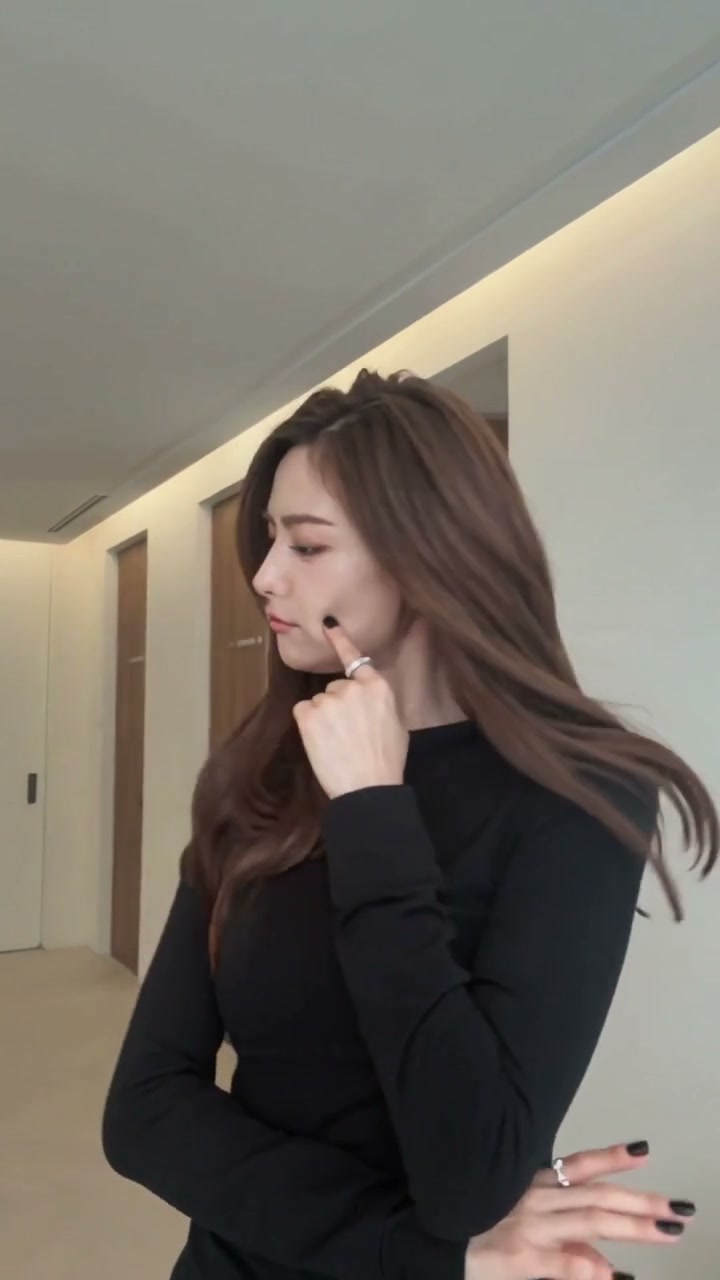
In the Jisoo Addicted scene, two performers dance together in a hallway. Compare the poses and framing, then choose a separate photo for each dancer.
03
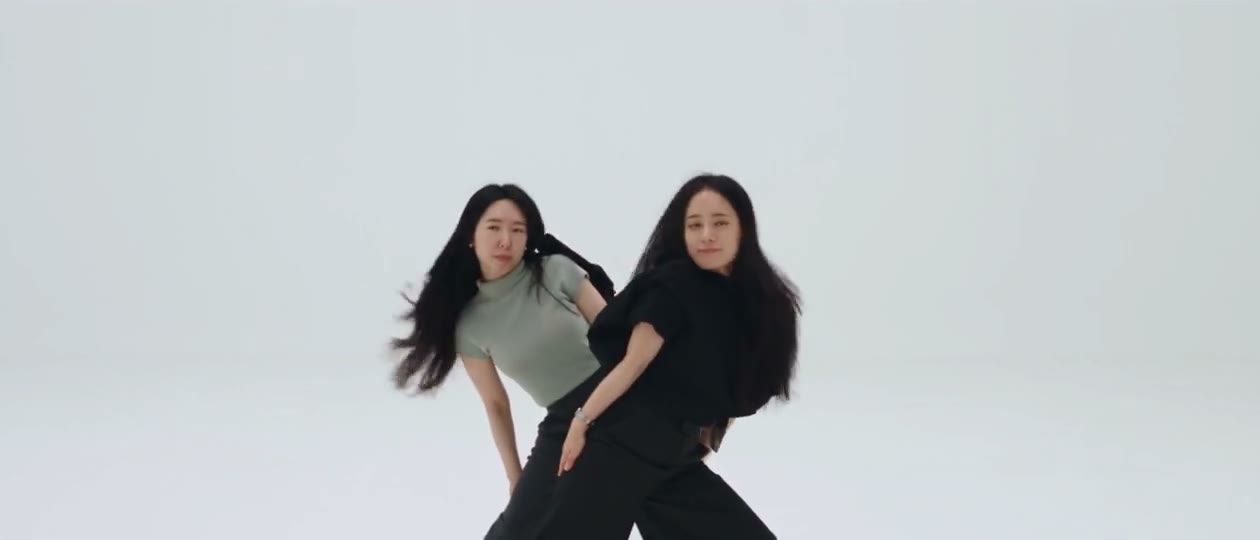
The A2O LITE NEON routine pairs two dancers in a white studio. A full-body photo helps show the clothing and movement visible throughout the scene.
Choose a clear starting image that fits the framing and movement of the routine.
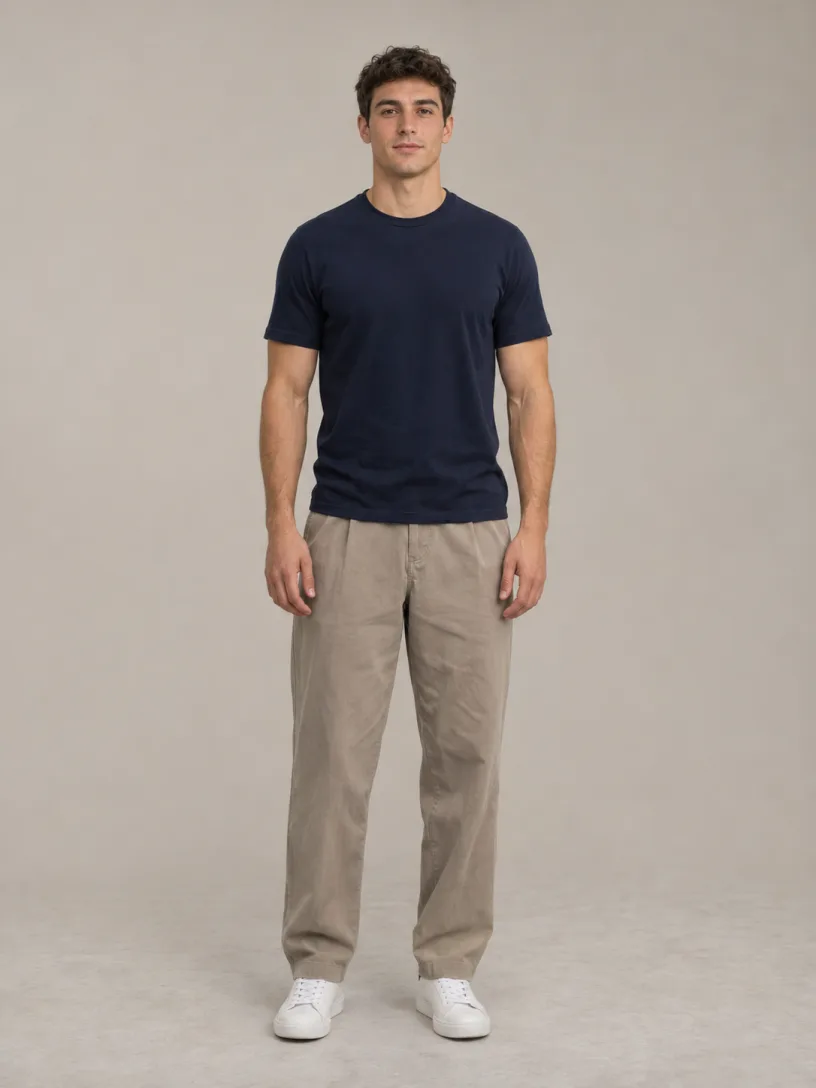
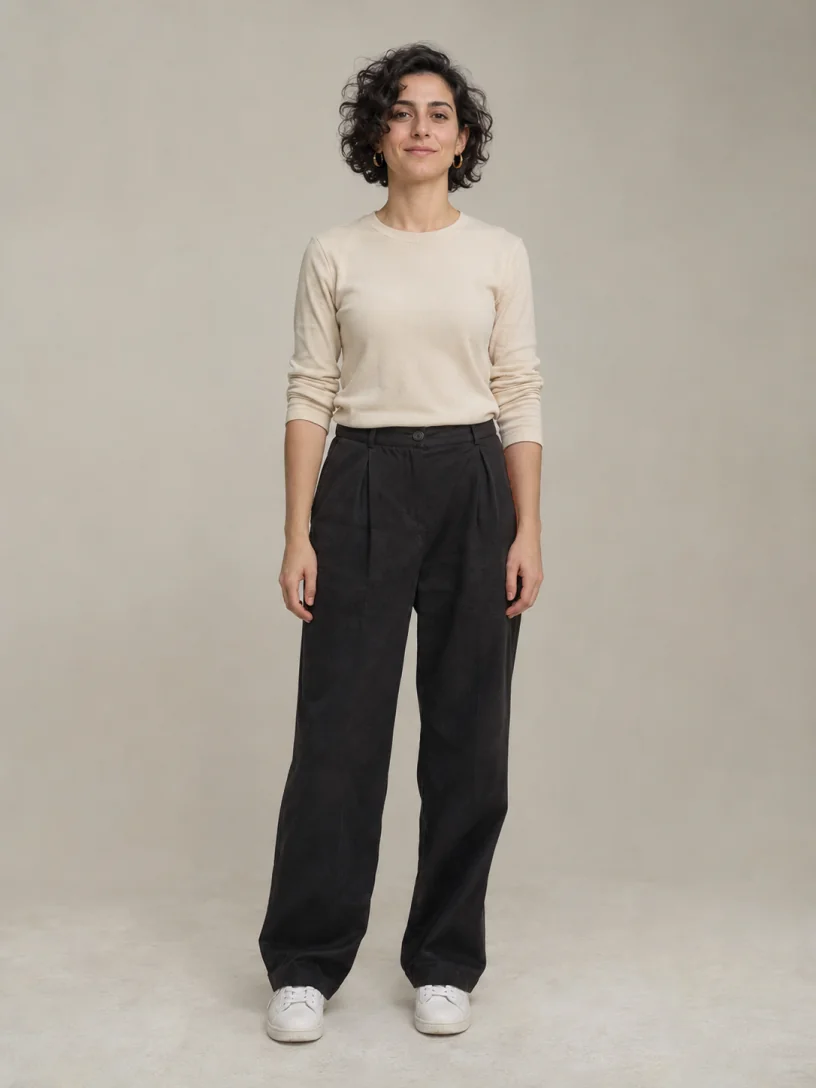
For a full-body dance, choose a clear photo that includes the face, outfit and limbs.
Better fit
Harder to use

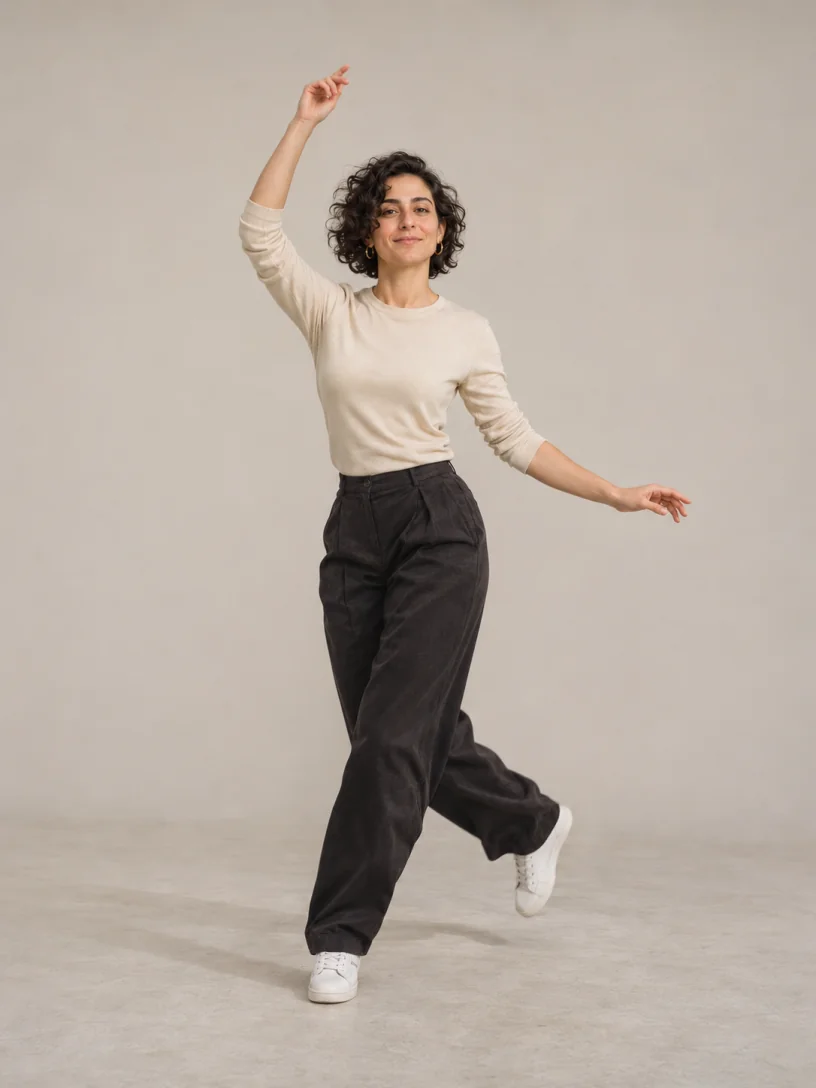
When choosing a motion reference, look for a clear view of the dancer throughout the movement.
Better fit
Harder to use
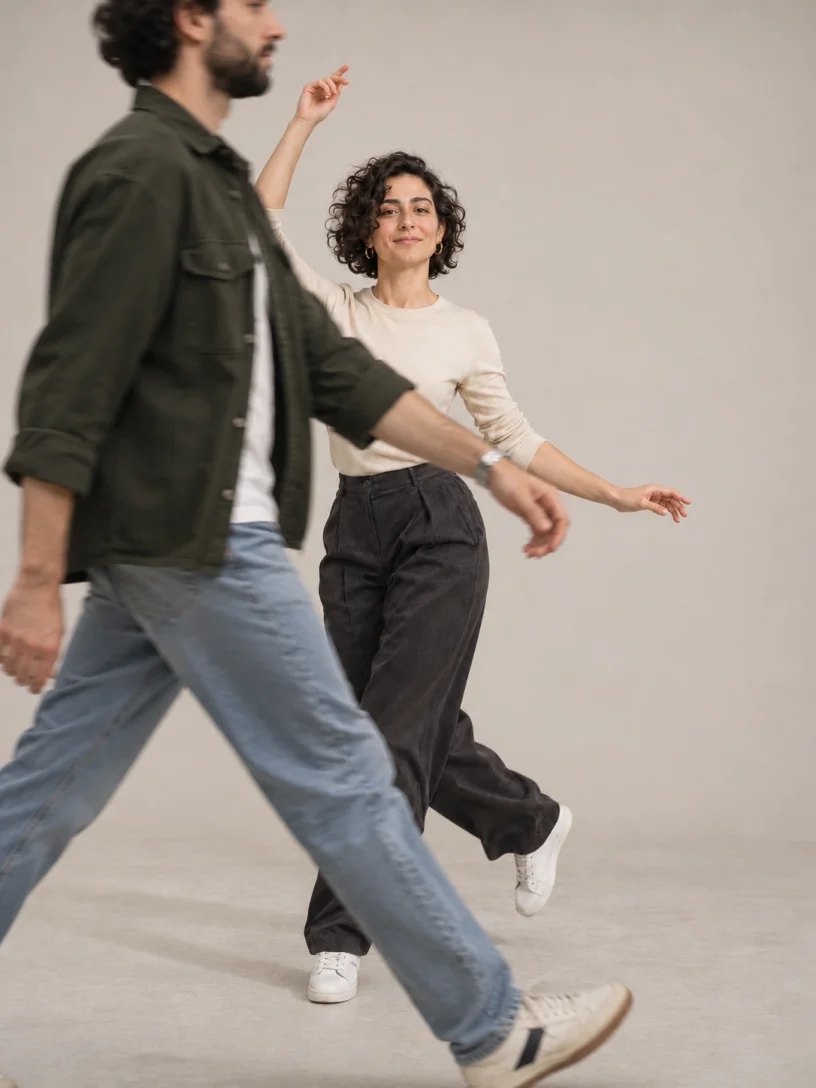
Use photos you have permission to animate and check the roles shown in the selected effect.
A little planning makes it easier to choose a suitable scene.
A close-up emphasizes the face; a full-body routine needs a photo that shows the outfit and limbs. Compare the preview with the photos you have.
Open the effect to see how many roles are required and whether additional roles are optional. Prepare a separate photo for each person you want to include.
Photos, effects and generation.
The selected reference provides the dance movement and framing. Photos serve as appearance references for the available performer roles. Watch the preview to understand the scene before choosing your photos.
For a full-body routine, choose a clear image with the face, outfit, hands and feet visible. Leave some space around the person and avoid heavy occlusion or a tight crop.
Some dance effects include more than one performer. Open the effect to see its required and optional photo roles and prepare a separate photo for each role you want to fill.
ReelCraze also has pet effects. Open the AI Pets page and look for a dance whose action and photo requirements fit your pet.
The Video workspace includes motion-reference options for supported models. Available inputs depend on the model and mode you select.
Sign in, choose your inputs and check the credit estimate before generating.
Explore the routines, compare the casts and prepare photos for the scene you like.