
01
Compare the action
Watch the reference to see the choreography, camera angle and positions of the performers.
Find a performance worth recasting. Choose the movement, then bring your own characters.
Creations from this workspace appear here.
An AI performance video generator combines appearance references with a prepared performance. Browse dances, group scenes and expressive reactions on ReelCraze. The reference clip supplies movement and framing, while the photos you choose identify the cast for the available roles.
Start by finding a scene that fits.
STEP 1
Browse performance effects and open the one you want to inspect.
STEP 2
Some performances use one photo and others need a separate image for each role. Check the selected effect for its requirements.
STEP 3
Review the inputs, settings and credit cost, then generate your video.
Look at the movement and the photo slots together.
01
Watch the reference to see the choreography, camera angle and positions of the performers.
02
Review which photo slots are required and which are optional before choosing the people in your cast.
03
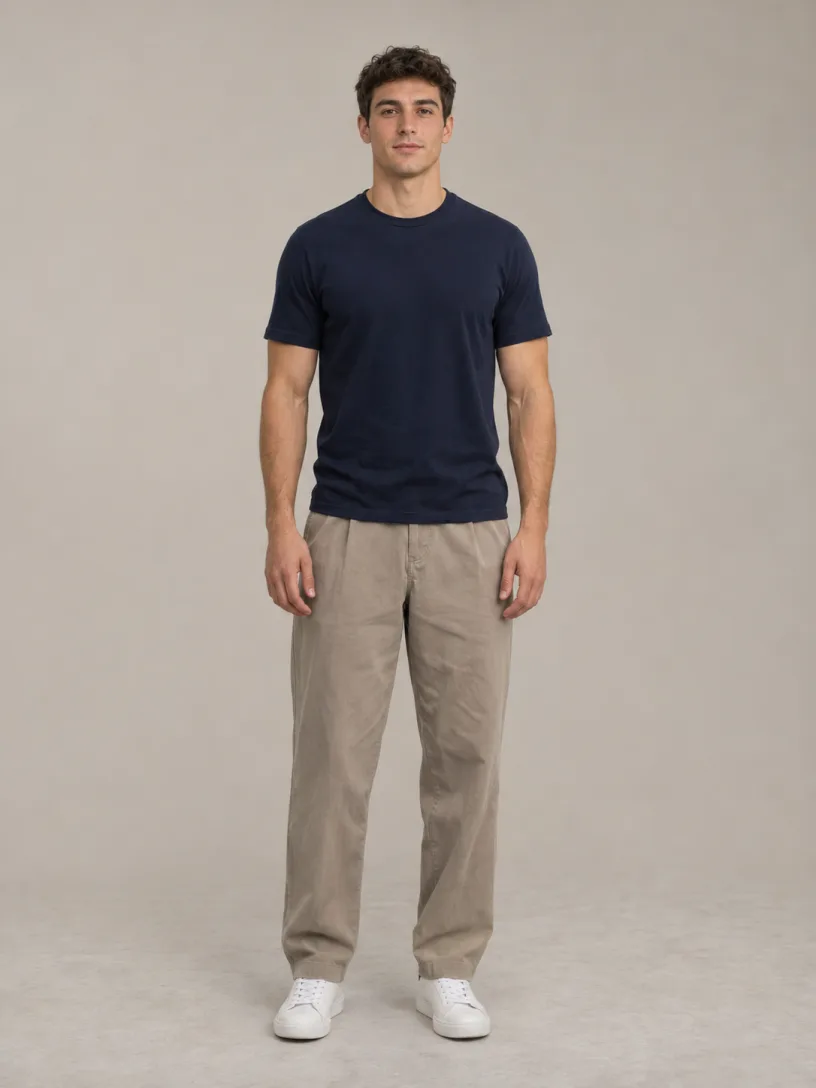
A scene that shows the entire body needs a different starting photo from a close-up reaction.
Compare the number of performers, their positions and how much of the body is visible before selecting photos.
01
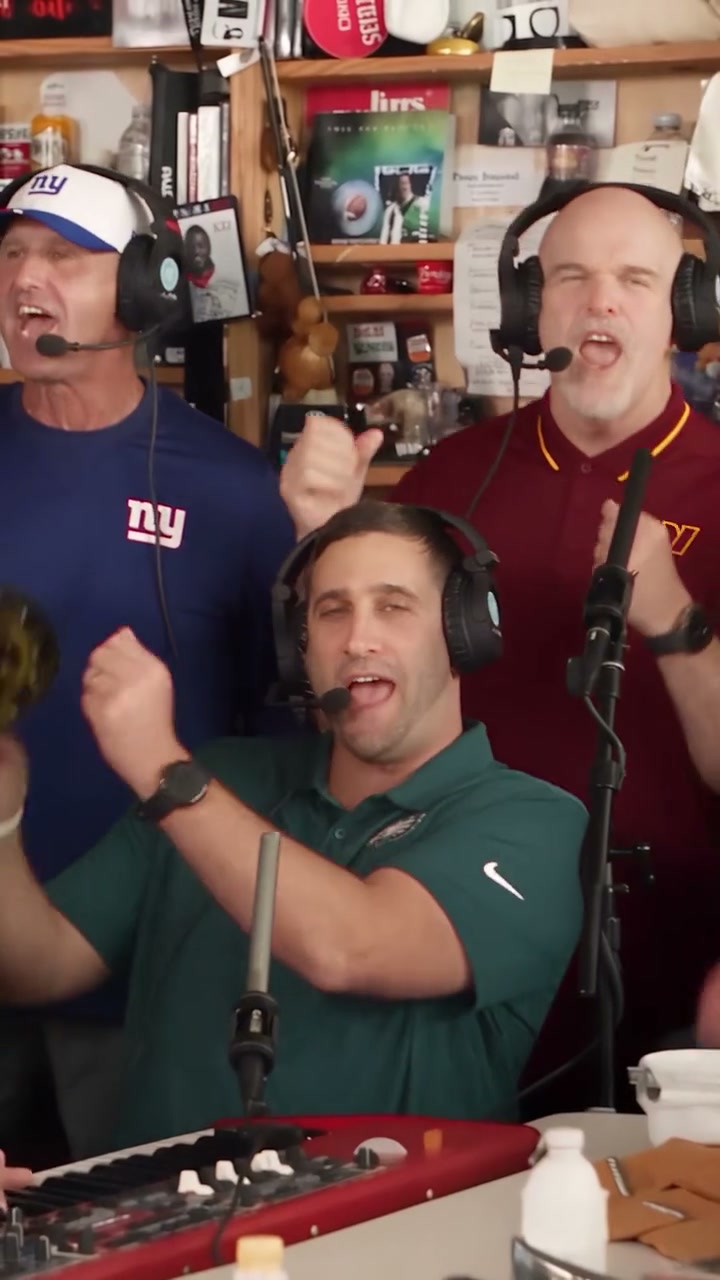
A lead singer performs with a keyboard player, backing singers and a saxophonist in a small room.
02
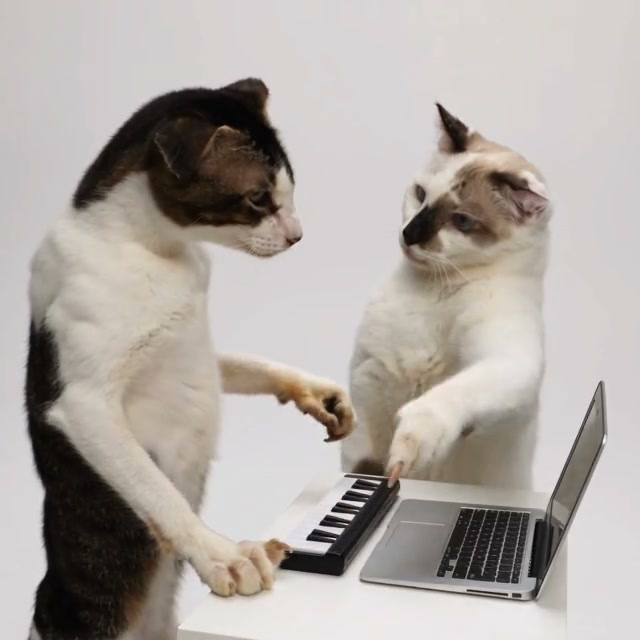
Two people share a keyboard-and-dance performance in a white studio.
03
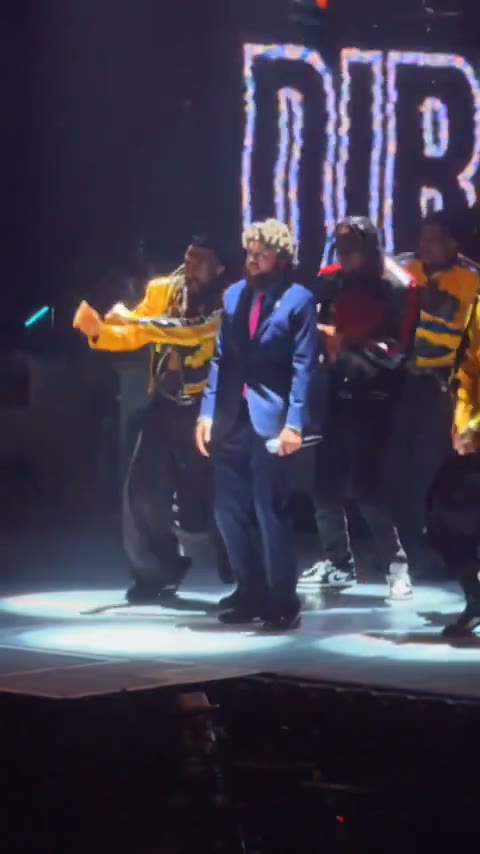
A lead dances on a concert stage with backup performers, spotlights and bursts of flame.
Choose the framing that fits the scene and the role you want to fill.
A full-body performance may need the outfit and limbs visible; a close scene may need a clear portrait.
Better fit
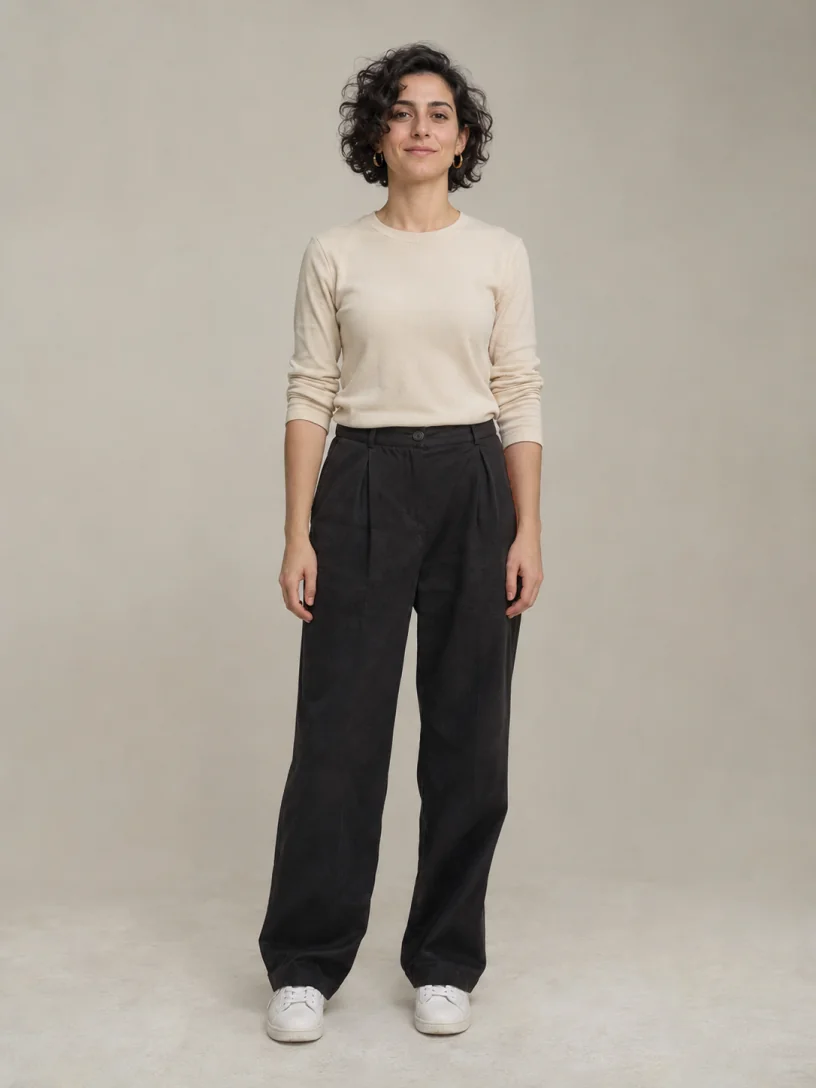
Harder to use

For a motion reference, check that the important movement is not hidden by another subject.
Better fit
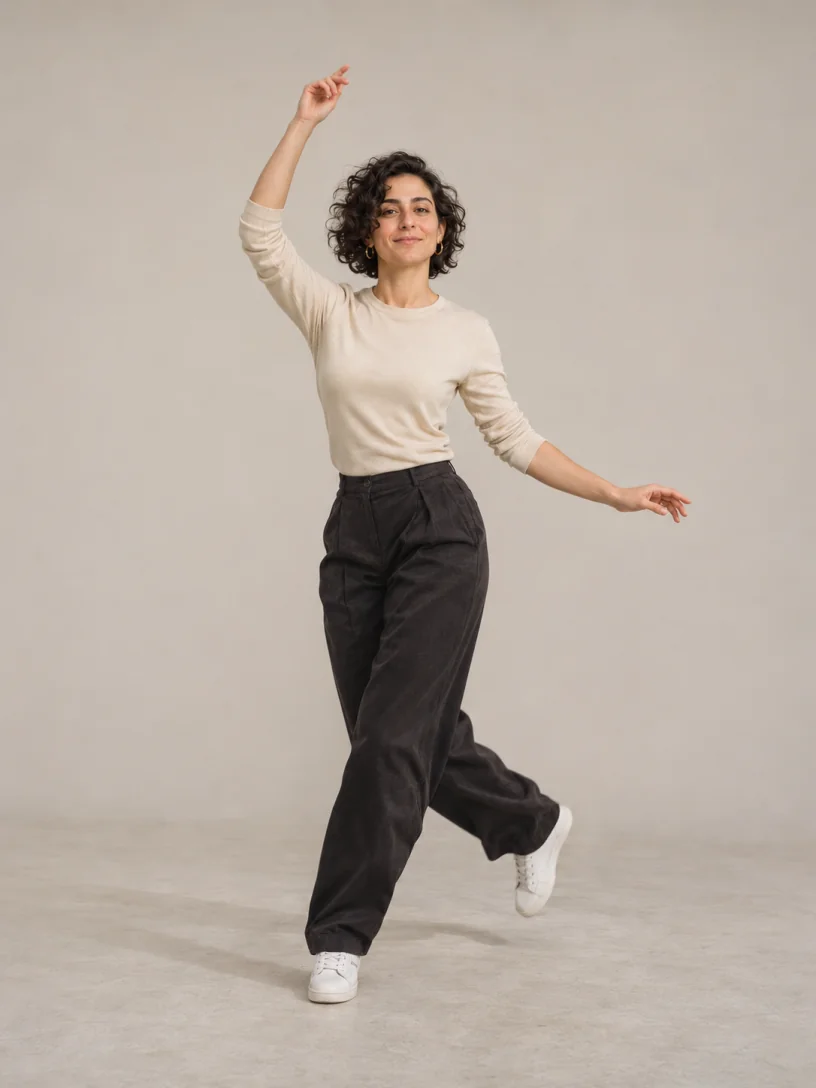
Harder to use
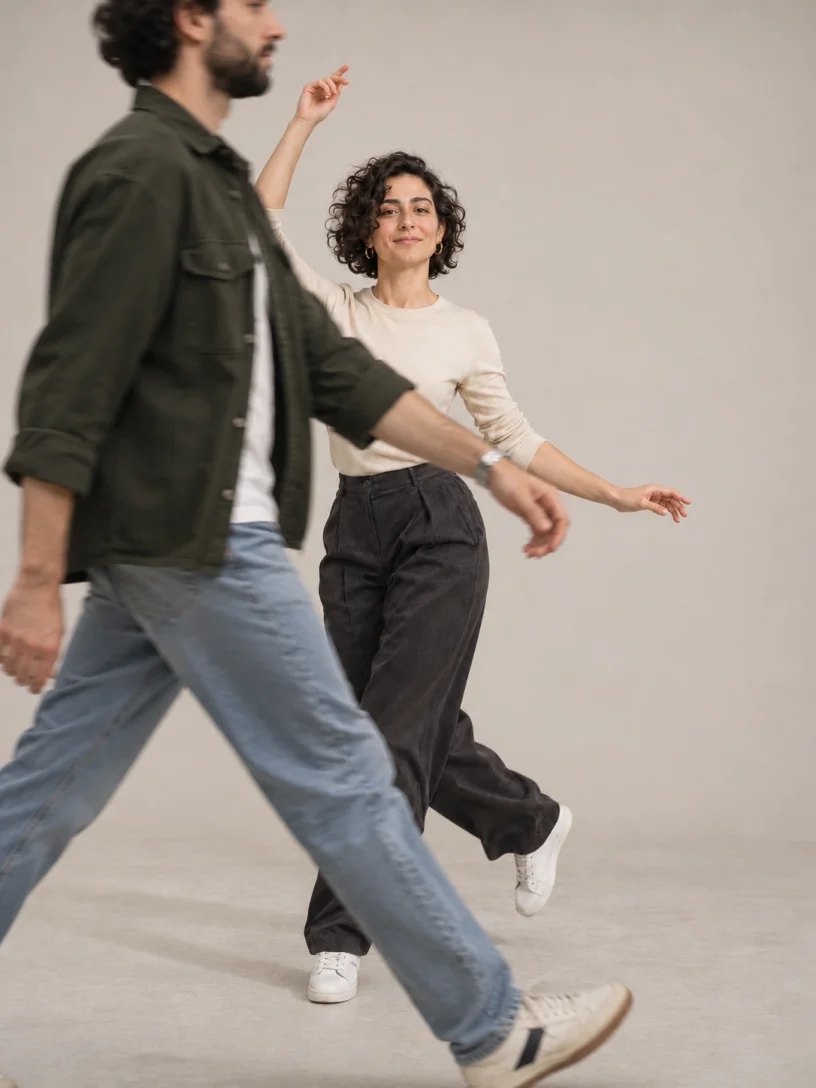
Check which roles are required or optional for the selected performance.
Compare the prepared performance and its photo requirements.
Choose a reference whose camera angle and visible action fit the photo you plan to use.
Each effect identifies the required and optional photo slots for its cast.
Photos, effects and generation.
It brings appearance references together with movement from a selected scene. Preview the action and camera framing, then choose photos for the available performer roles.
The number varies by effect. The workspace identifies the required roles and any optional roles; use a separate clear photo for each person you want to include.
Match the photo to what the scene shows. A close-up benefits from a clear face, while a full-body action needs the outfit and relevant limbs in view.
The Video workspace includes motion-reference options for supported models. Select a model and mode to see which inputs are available.
The reference guides action and composition. Appearance, fast movement, hands and overlapping characters can vary, so use clear inputs and review your result.
Sign in, choose your inputs and check the credit estimate before generating.
Return to the workspace to prepare your next idea. Sign in, choose your inputs and check the credit estimate before generating.